Guide: Register – Create An Account On FreeGuestPosts Portal


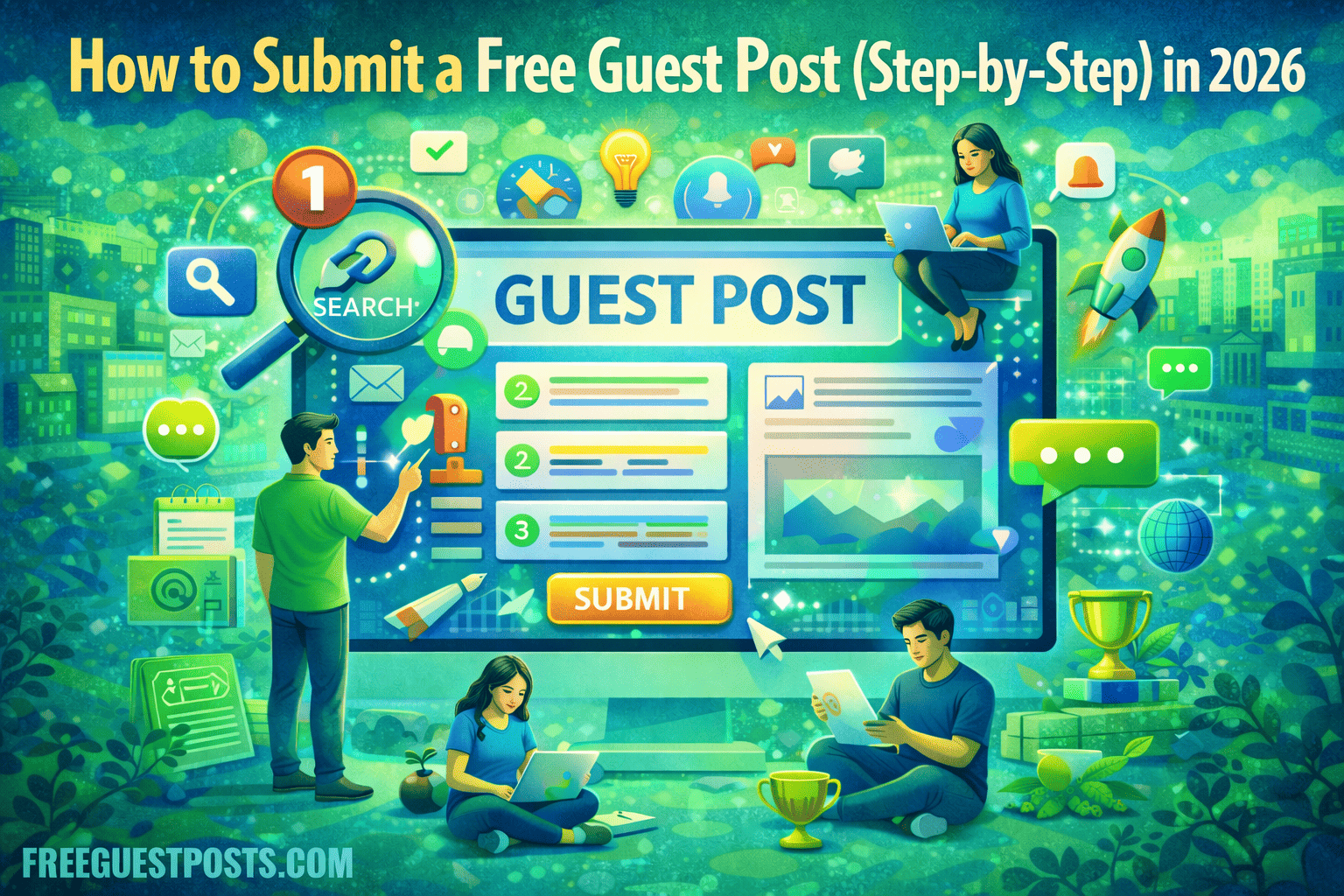
Register – Create an account on Free Guest Post Portal. Here are the steps:
Register – Create An Account for Free
Go to freeguestposts.com website, go towards your right side you will be able to see profile icon, hower over the icon you will see 2 options and click on Register button.

Create An Account
Add your username and email id.

Once these details are submitted, you will receive an email inside your registered email address.

Create your Password
You will receive an email with a link, click on the link and create a password where you will remember.

When the password is created, you will receive another email where it will show as password has changed.

Login
When you land on login page, add your username, password and email address.

There you are logged in dashboard.

Add Profile Details
Add your profile details.
 .
.
To Create your New Post
To create your new post, head over to the left column, hower over the post and click on “Add Post”

Add Post section is opened. You can start writing your content.

Tip: You can write great content by following this guide on 1st guest post content published.
Edit Later/Publish Later
Once, when you complete your registration on the free guest posts portal, you can view your contents in the post section under draft mode, where your contents are not published and you can also view your published contents as well.